Blog · Keyboards
iPhone As Bluetooth Keyboard Vs A Dedicated Bluetooth Keyboard: When The Hackaday Hack Makes Sense
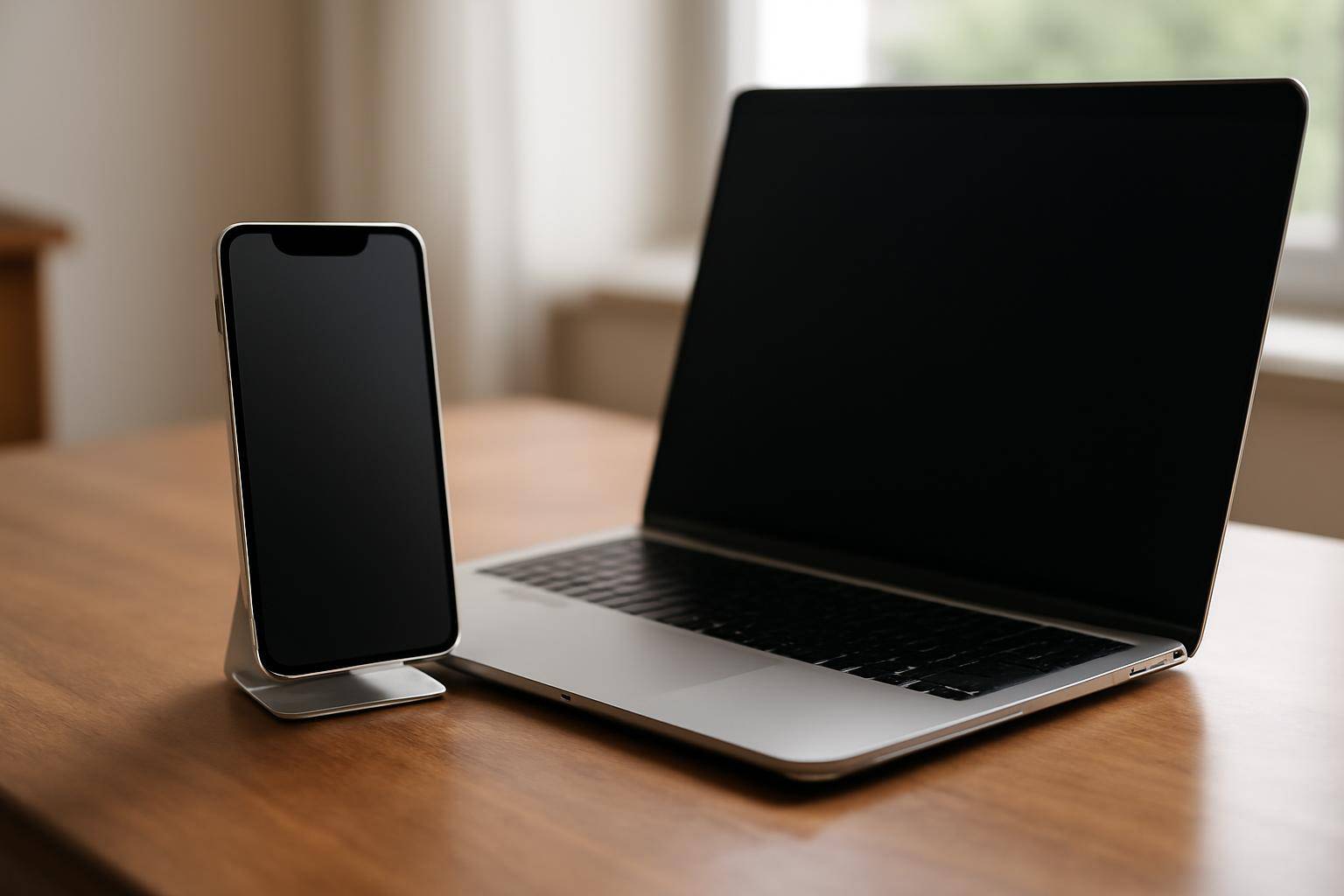
A project featured on Hackaday flips the usual setup: instead of an iPhone pairing with a Bluetooth keyboard, the phone becomes the keyboard — and the mouse. The writeup documents a build where the phone advertises itself as an input peripheral that a separate computer can pair with and control, rather than the other way around.
That reversal matters because most of us only ever see an iPhone on the receiving end of a Bluetooth connection: AirPods, a trackpad, a controller. Flipping the phone into the thing being paired with opens up small, specific jobs — driving a Raspberry Pi, a smart TV, or an older laptop that's short on working ports — without buying extra hardware.
What Did Hackaday's Project Actually Do?
The build Hackaday covered gets an iPhone to show up over Bluetooth the same way a wireless keyboard or mouse does when it's powered on near a laptop. The phone sits in the same device category a computer would normally see from a dedicated accessory. Hackaday's own writeup has the implementation details; our interest here is what this is useful for and whether it's worth attempting.
Why Can't A Regular App Just Do This?
Apple draws a tight line around what a standard App Store app can do with Bluetooth. Apps can connect to accessories and pull data from them, but broadcasting as a keyboard or mouse sits outside what a typical app ships with by default. That's a large part of why this kind of build shows up on a hobbyist site rather than as a one-tap install.
Checklist: Should You Try The iPhone-As-Keyboard Trick?
- Read the full Hackaday article before you start — the exact steps decide whether your model and software version cooperate.
- Line up a second gadget to control, since the whole point is driving something else: a Pi, a spare laptop, a TV.
- Budget real setup time. This is a hobby build, not a quick App Store download.
- Keep your current keyboard on hand as a fallback; don't retire working gear for this.
- Treat it as a use for a spare handset, not a replacement for your daily input setup.
Glossary: Terms Worth Knowing Before You Start
- HID (Human Interface Device): the Bluetooth category covering keyboards, mice, and controllers.
- Peripheral mode: when a gadget advertises itself as something else can pair with and control, instead of initiating the connection.
- Pairing: the one-time handshake two Bluetooth devices complete so they can reconnect automatically later.
How Does This Stack Up Against A Store-Bought Keyboard?
For everyday typing, a standalone Bluetooth keyboard still wins on battery life, key feel, and plain reliability — it was built for exactly one job. This hack earns its place when the goal is squeezing use out of hardware already sitting in a drawer, not swapping out gear you already like. If you're curious where Apple's own thinking on phone-based typing is headed, our look at split-keyboard and multitasking features in the iPhone Duo leaks covers the software side of that question. And if your phone's basic duties — like actually waking you up — aren't holding up, our fixes for iOS alarm problems are worth sorting before you add a side project to the list.
More from the blog
Written by Smorgi Apps at Smorgi Apps. We do not invent download counts or ratings. If a number appears here, it came from App Store Connect or the live listing.