Blog · Writing
AI Meme Generator Tools Can't Write Your Punchline Yet
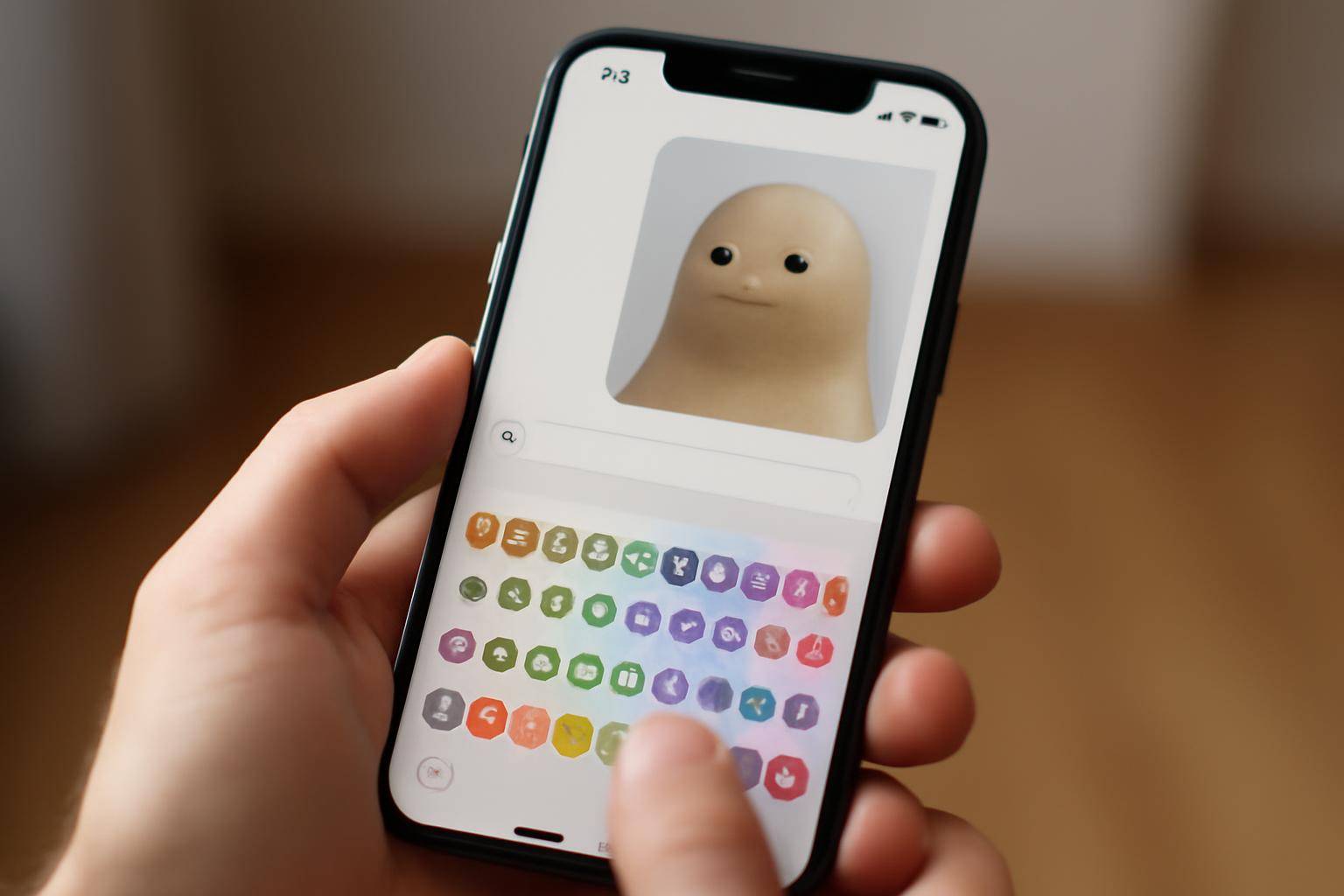
AI meme generator tools handle the template, the image search, and sometimes the layout, but the actual joke and the typography still land on whoever hits post. A roundup of ten such tools made that case again this fall, pitching the category as a way to go from blank screen to finished meme in seconds instead of minutes. The gap between "generated" and "funny" is where the real work still happens, and no current app closes it on its own.
That gap matters more on a phone than on a desktop. These images mostly get made and read inside Messages, Instagram DMs, and group chats, so a line of text has to survive a small screen, a fast scroll, and whatever default font the posting app assigns it.
What an AI Meme Generator Actually Produces
Tools in this category tend to do three things well: match a prompt to an existing template or reaction image, lay text onto that image in the right spots, and export a file sized for the platform someone plans to post to. Some go a step further and suggest a caption based on the image or the prompt typed in.
What they don't do is know the room. A line that lands in one group chat falls flat in another, and no template-matching system has the context to tell the difference. The tool hands back a batch of options; a person still picks the one that fits the moment, or rewrites it entirely.
Why Templates Still Need a Human Punchline
A template is a shape, not a sentence. The format tells you where the top text goes and where the bottom text goes; it says nothing about timing, local references, or the specific inside joke that makes one particular group laugh. Generators move fast on the shape and stall — or guess wrong — on the joke, because the joke depends on who's going to read it.
This is the same reason caption suggestions for photos and reels still get edited by hand before anyone sends them. A model can produce something grammatically fine and tonally flat. The edit that turns "fine" into actually funny is usually small: a word swapped, a line cut, a reference added that only the recipient will catch.
How Font Choice Changes a Caption's Read
Once the words are set, how they look changes how they land. Bold condensed type reads as a shout. A wobbly script reads as a bit making fun of itself. Plain system text reads as sincere, which is exactly the wrong register for a line that's supposed to read as a joke.
This is where styled text earns a place outside the generator apps themselves. A caption dropped into Instagram or Messages in a circled or bold Unicode style carries tone before anyone has read a word of it — useful for reaction one-liners and the short line under a screenshot that didn't come out of any meme tool at all. Even clips that are already funny on their own, like the jumping-spider "web puppy" videos making rounds this year, tend to pick up a styled caption before they get reposted.
Which Checks Matter Before Downloading One
Any app that touches a keyboard on an iPhone is worth a privacy check before it's installed, generator or not. Two questions cover most of it: does the app need Full Access, and what does Full Access actually do inside this particular app. On iOS, Full Access lets a third-party keyboard see what's typed; some apps need it for cloud sync of themes or purchased packs, and others ask for it without a clear reason attached.
The better version of that trade-off scopes Full Access to one named task — syncing a color pack, for instance — rather than a blanket "needed to work." The honest version also keeps typed text and autocorrect on the device by default, with no account or server required to use the keyboard at all.
Where BubbleText Fits in the Posting Workflow
Beautiful BubbleText Keyboard is built for the last step in that chain: turning a plain line into bubble text or another Unicode style once the wording itself is already decided. It's a keyboard, not a generator — it doesn't pick templates or suggest punchlines — but it works inside Messages, Instagram, Snapchat, WhatsApp, and Notes the same way the system keyboard does, so a styled caption drops straight into whatever app is already open.
The free tier covers bubble text and standard styles with six color themes and on-device autocorrect. A one-time Font Pack purchase adds 24 more Unicode styles — serif, script, fraktur, monospace among them — and a separate Color Pack opens full color customization; a bundle covers both for less than buying them apart. Per the app's listing, Full Access is scoped to syncing those color and font packs, and autocorrect runs on-device without needing it at all.
None of that writes the line. It just means the few seconds spent making a caption look right doesn't require leaving the app the post is about to go up in.
Does Posting Speed Still Matter More Than the Joke
Speed is the pitch behind most of these apps, and it's a real one: pulling a reaction image and dropping text on it used to take real time in a photo editor, and now it takes a few taps. That part of the roundup's case holds up on its own terms. What it doesn't account for is that speed and comic timing aren't the same thing. A caption written in two seconds and a caption written in two minutes can look identical on the screen, but only one of them was weighed against who's actually going to read it.
That's less a flaw in the software than a limit on what software this is built to do. A layout tool can save the minutes that used to go into cropping and placing text. It can't save the beat where someone decides a line isn't quite right and tries a second version instead of sending the first one. That decision stays on the person holding the phone, template or no template.
BubbleText
A custom iPhone keyboard for bubble text, Unicode styles, and color themes. Autocorrect stays on your device. Full Access is only used to sync themes.
Learn moreMore from the blog
- 10 Dussehra 2026 AI Image Prompts: How to Use ChatGPT and Gemini, Then Turn the Result Into a Greeting
- Apple's Newest iOS Privacy Update Leaves Digital Marketers Bracing for Impact
- Is Berkeley Raising Parking Meter Hours and Ticket Costs?
- What Are 'Web Puppies'? Why Jumping Spiders Are a Social Media Sensation
Written by Smorgi Apps at Smorgi Apps. We do not invent download counts or ratings. If a number appears here, it came from App Store Connect or the live listing.