Blog · Writing
'Black Dot of Death' Bug Can Crash Messages on iPhone
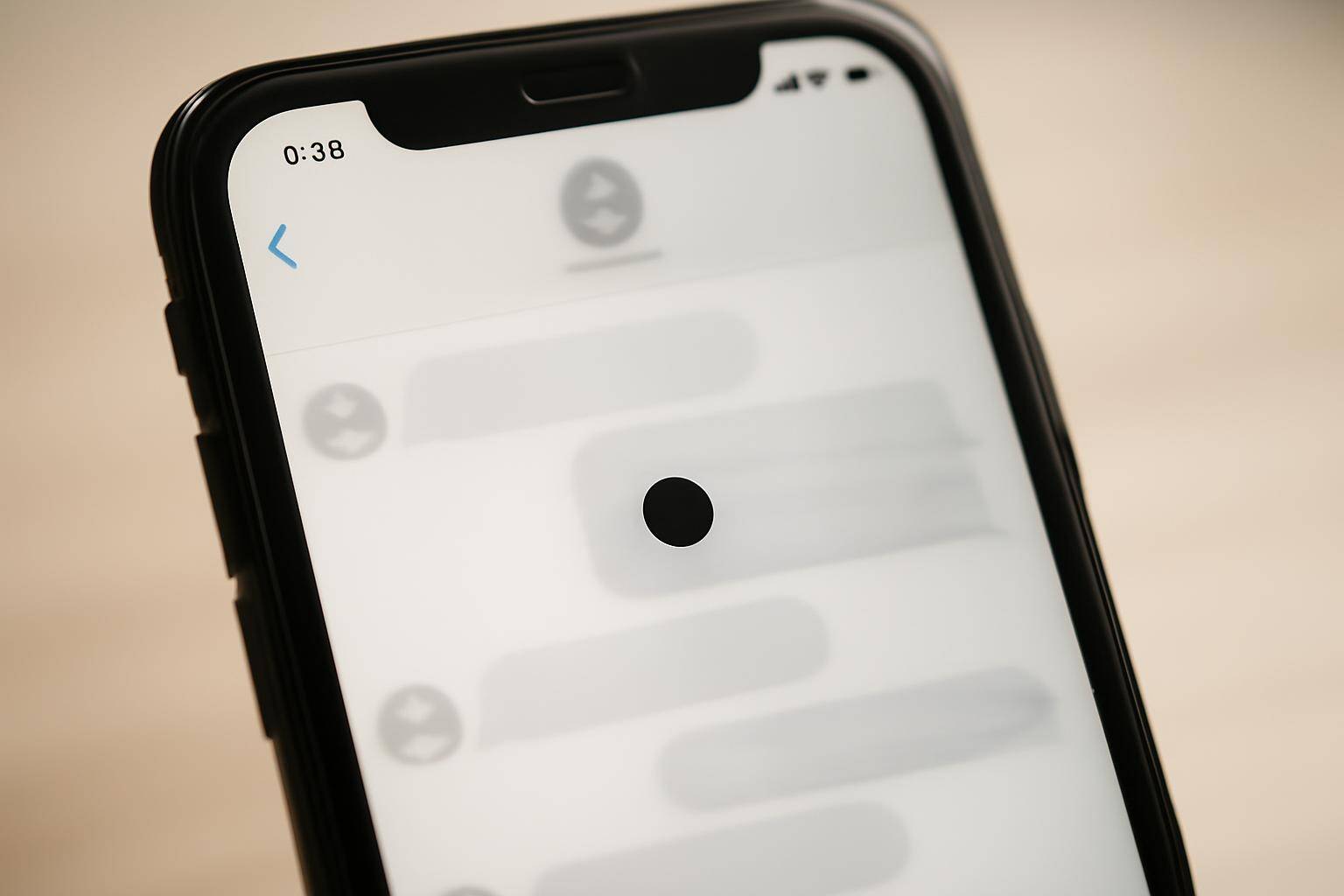
A Unicode character that renders as a plain black dot is reportedly crashing the Messages app for some iPhone owners, according to Mashable. The outlet has nicknamed it the "black dot of death," and the trouble starts the moment the character shows up in a thread: viewing it can lock up or quit the app entirely.
Quick facts
- A Unicode character displaying as a solid black dot is tied to the crash, per Mashable's report.
- The affected app is Messages (iMessage) on iPhone.
- Mashable gave the bug its "black dot of death" name.
- No official Apple statement or patch timeline appears in the original report.
What is the 'black dot of death' bug?
At its core, this is a text-rendering problem rather than malware. A specific character sequence, which shows up on screen as a small black circle, apparently asks iOS to do more rendering work than the Messages app can handle smoothly, and the app stalls or crashes as a result. Mashable's coverage is the source for the nickname and for the crash behavior itself; beyond that, the exact character sequence hasn't been laid out publicly in detail.
Why can a single Unicode character crash an app?
Every letter, emoji, and symbol you type gets turned into pixels by a text-rendering engine, and that engine has to calculate shape, spacing, and how characters combine with each other. Most of the time this happens instantly. But certain unusual or densely packed character sequences can force that engine to do disproportionate work, and on a phone, disproportionate work tends to show up as lag, a freeze, or an outright crash. This category of bug has shown up before in text-heavy apps across platforms, and it's generally a stability issue, not a data-theft or security exploit.
How do you recover if Messages freezes?
If a thread stalls after a character like this lands, a few basic steps usually get things moving again:
- Force-quit Messages from the app switcher and reopen it.
- Restart the iPhone if force-quitting doesn't clear the freeze.
- Avoid tapping into the specific conversation or opening its notification preview until you've restarted the app, since re-rendering the same character can retrigger the crash.
- Check Settings > General > Software Update. Apple has a track record of resolving text-rendering crashes through iOS updates, so installing the latest version once one is available is a reasonable precaution even without a confirmed patch note for this particular bug.
None of this requires deleting your Messages history or resetting the phone — the fix is almost always a restart plus, eventually, a software update.
Is stylized Unicode text like bubble text just as risky?
No, and the distinction is worth making because fancy-looking text in Messages has a bad reputation it doesn't fully deserve. Styled Unicode, the kind you get from circled letters, script fonts, or bubble text, is built from single, well-formed code points. Each character maps cleanly to one glyph; there's no unusual combining sequence for the rendering engine to choke on.
That's the same approach behind Beautiful BubbleText Keyboard, a custom iPhone keyboard built for bubble text and other Unicode styles. Typing with it swaps letters for their styled Unicode equivalents one character at a time, the same category of character you'd use for a normal emoji or accented letter, not the kind of malformed sequence a crash bug like this reportedly exploits. Autocorrect in BubbleText also runs on the device itself and doesn't require Full Access; Full Access is only needed to sync color and font packs across devices.
That doesn't make any keyboard immune to a future rendering bug somewhere in iOS, but it does mean sending a bubble-text message to a friend isn't the same risk category as the character behind this particular crash report.
If you're the kind of person who's already poking around keyboard settings after reading about a bug like this, it's also worth revisiting other keyboard defaults that can trip people up day to day, like how to turn off swipe typing on the iPhone keyboard if predictive gestures keep getting in your way.
BubbleText
A custom iPhone keyboard for bubble text, Unicode styles, and color themes. Autocorrect stays on your device. Full Access is only used to sync themes.
Learn moreMore from the blog
Written by Smorgi Apps at Smorgi Apps. We do not invent download counts or ratings. If a number appears here, it came from App Store Connect or the live listing.