Blog · Sleep
Wearable Sleep Trackers vs. iPhone-Only Sleep Tracking: Which Should You Buy in 2026?
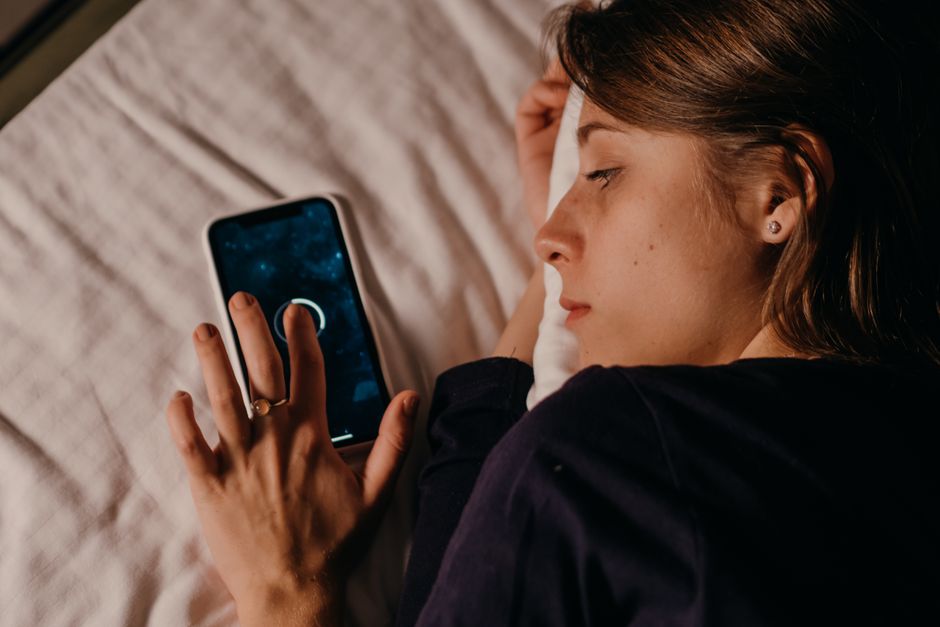
Choosing a sleep tracker in 2026 comes down to one real fork: strap a sensor to your wrist or finger overnight, or let the hardware already in your phone and watch do the job. Wareable's 2026 roundup tested and rated options across both camps, and that split matters more than any single feature list.
Here's how the two approaches actually differ, and how to pick the one that fits the way you actually sleep.
What makes a device count as a sleep tracker in 2026?
Any device that estimates when you fell asleep, how long you stayed asleep, and which stage you were in — light, deep, REM — qualifies. Nearly all of them lean on a mix of motion sensing and heart rate data, whether that reading comes from a wrist strap, a ring, or a phone resting nearby on the nightstand.
How does a wrist-worn tracker log your sleep stages?
Wearables sit against skin all night, so they capture continuous heart rate and movement without interruption. That closeness is why wrist and finger devices tend to produce more detailed stage breakdowns than non-wearable alternatives. The tradeoff is comfort — some people genuinely cannot sleep with something strapped on — plus a nightly charging routine that competes directly with the hours you're trying to log.
What does iPhone's built-in tracking measure instead?
If you'd rather wear nothing, the Health app on iPhone can log a basic sleep schedule and duration using phone placement and any connected device, including Apple Watch. Without a wearable paired to it, iPhone-only tracking leans more on schedule and motion than on continuous heart rate, so stage detail stays thinner. For most people, that's still enough to spot patterns in bedtime consistency, which tends to matter more day to day than minute-by-minute stage data.
Which option fits your budget and habits?
| Factor | Wearable tracker | iPhone/Watch tracking |
|---|---|---|
| Upfront cost | Separate device to buy | Already on your phone |
| Nightly comfort | Something on wrist or finger | Nothing extra to wear |
| Stage detail | Heart rate–based, more granular | Schedule-focused, lighter detail |
| Charging routine | One more device to charge | One less charger to manage |
If you want to see light versus deep versus REM breakdowns, a wearable is doing more work for you. If you mainly want to know whether you're going to bed at a consistent hour, the phone alone can answer that.
Can you start tracking sleep on iPhone tonight?
- Open the Health app on your iPhone.
- Tap Browse, then select Sleep.
- Tap Set Up Sleep and enter your sleep goal and typical bedtime window.
- Turn on Sleep Focus so notifications quiet down before you wind down.
- If you own an Apple Watch, wear it to bed so it adds heart rate and movement readings to the log.
- Each morning, check Sleep in the Health app for the previous night's summary.
None of this requires a purchase decision tonight. Run the phone-only setup for a week, see whether you want more detail than a schedule view gives you, then decide if a wearable is worth adding on top.
More from the blog
Written by Smorgi Apps at Smorgi Apps. We do not invent download counts or ratings. If a number appears here, it came from App Store Connect or the live listing.