Blog · Sleep
iPhone Alarms Can Fail Silently Even When They Look Correctly Set
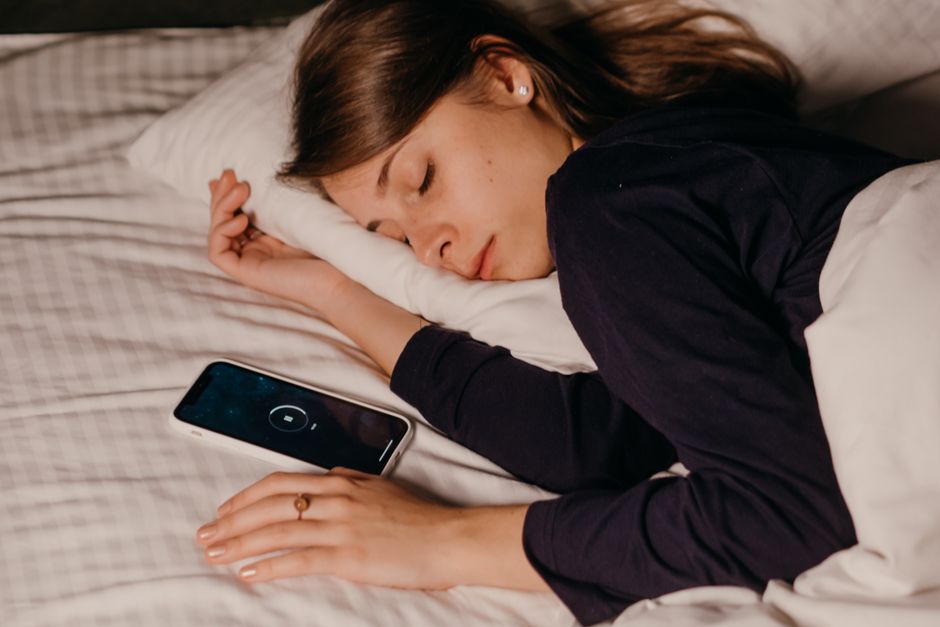
A traveler's iPhone alarm went off at the scheduled time and made no sound, and the missed wake-up cost them a flight, according to a New York Post report that traces how a setting most phone owners never check can turn a reliable wake-up tool into dead air. The report describes the problem as a "silent" alarm, and that word choice matters: the schedule was intact, the time was correct, and the alert still fired without a sound.
For anyone who leans on a phone instead of a separate clock before an early flight, this is a case study in why "set" and "audible" are two different things on iOS.
What caused the missed flight in this report?
According to the Post, the alarm triggered at the time it was scheduled for, but it never produced an audible sound, so the traveler slept through the window for airport check-in. The piece frames the issue as a device setting rather than a cancelled or deleted alarm, since the schedule itself stayed in place and only the sound output failed. That distinction is the whole story: a visible, correctly timed alarm that is functionally useless if nothing comes out of the speaker.
Why does an iPhone alarm sometimes stay silent?
Several settings can mute an alarm that looks correctly configured. Alarm volume is tied to the Ringer and Alerts level, so if that slider gets turned down, muted through Control Center, or dropped by pressing the physical volume buttons during something like a video right before bed, the alarm will play back at that same reduced level the next morning. A missing or reset sound selection inside the Clock app, sometimes a side effect of a software update, can also leave an alarm scheduled with no tone attached at all. Low Power Mode and certain accessibility sound routing settings have also turned up in user reports as contributing factors, though not every case shares the same root cause.
Does the mute switch or Focus mode change this?
Apple built alarms to override the physical Ring/Silent switch and Do Not Disturb, so flipping the switch to silent is not supposed to silence an alarm on its own. The gap is narrower and easier to miss: a custom Focus mode with restricted sound settings, or a tone that has been set to "None" in the Clock app, sidesteps that override because the failure sits inside the alarm's own sound setting rather than in a system-wide mute. The schedule fires, the override behaves as designed, and the paired sound is simply absent or too quiet to register over normal bedroom noise. That is the gap the Post's report points to, and it is one most people never think to test.
How can travelers alarm-proof an early flight?
A few habits close most of the gap described above. Set ringer and alert volume using the physical buttons the night before, not a Control Center slider that can get bumped during the day. Open the Clock app and confirm the alarm shows a sound name next to it rather than a blank field. Run a quick test by setting a second alarm one minute out at the volume expected for the morning, with the phone in the same spot it will sit overnight. Keep media volume and ringer volume separate where the phone allows it, since a quiet video session right before sleep is a common way the wrong slider gets adjusted without anyone noticing.
Which backup steps actually work?
Redundancy covers the scenario a single setting cannot. A hotel wake-up call booked through the front desk runs on separate hardware and does not depend on any phone setting. A second alarm on a smartwatch or a basic travel clock keeps working even if a phone's sound output fails. A wake-up text or call arranged in advance with a friend or family member adds a human check that no software bug can quietly disable. For an early-morning flight, stacking two or three of these options costs nothing and removes the exact single point of failure the Post's report describes, since each backup wakes the traveler through a different channel than the one that reportedly failed.
More from the blog
Written by Smorgi Apps at Smorgi Apps. We do not invent download counts or ratings. If a number appears here, it came from App Store Connect or the live listing.