Blog · Play
Quote Apps vs. Mood Journals: Choosing an iPhone App to Think Positive
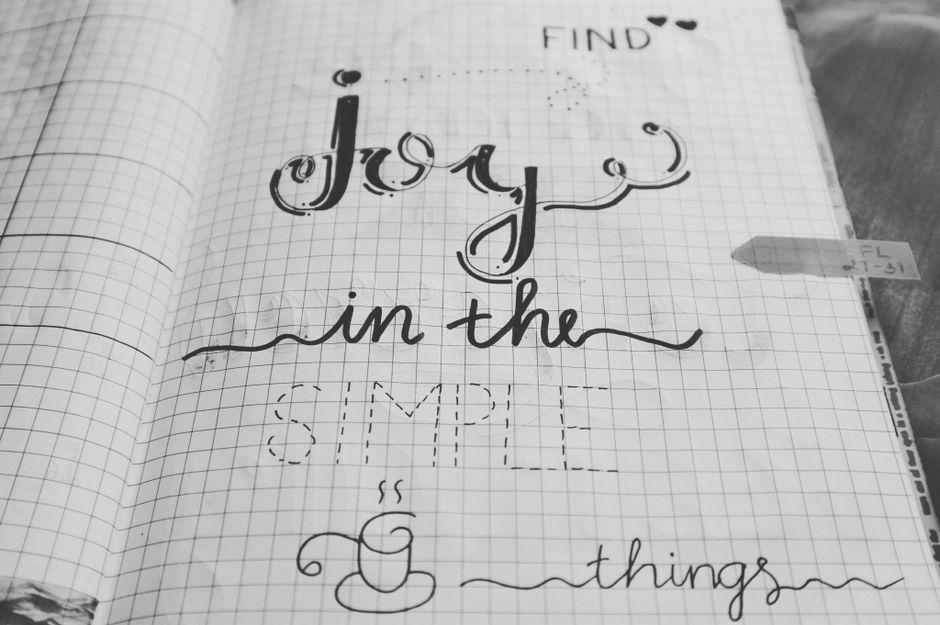
MakeUseOf's new roundup names five apps built to nudge iPhone owners toward positive thinking, and the real decision underneath that headline isn't which app to download — it's which style of app you'll actually open after week one. The outlet titled the piece plainly: '5 Motivational Apps for iPhone to Help You Think Positive.' That framing covers two different habits that get lumped together but behave differently on a lock screen: quote feeds and mood journals.
What does MakeUseOf's roundup recommend?
The outlet's premise is simple — a short list of apps aimed at reinforcing optimism through daily use on iPhone, grouped under the single goal of helping people think positive. The roundup doesn't separate those picks by mechanism, but the apps in that category typically fall into one of two camps: a scheduled quote or affirmation that shows up once a day, or a journal-style tool that asks you to log a mood or write a line before it gives you anything back.
Why do quote apps and mood journals work differently?
A quote app is passive. It pushes a line to your lock screen or widget on a timer, and your only job is to read it. A mood journal is active — it asks for input first, usually a tap or a sentence, before it shows you a trend or a response. That distinction matters more than the content of either app, because passive tools survive notification fatigue and active tools tend to get skipped on busy mornings unless the entry takes under a minute.
How should you configure notifications for a quote app?
- Open Settings on your iPhone and go to Notifications, find the app, and set it to Scheduled Summary or a single daily alert rather than Immediate Delivery.
- Add the app's widget to your Lock Screen or Today View instead of relying on a push alert, so the line is there when you glance down rather than interrupting you.
- Turn off badge counts for the app — a quote doesn't need a red dot demanding attention, and the dot is what makes these apps feel like one more chore.
- Pick one time of day, ideally tied to an existing habit like making coffee, so the quote attaches to something you already do.
Can a mood-journal app replace a quote feed?
It can, but the setup is different. Journaling apps work best when the entry is fast:
- Set the daily prompt to appear at a fixed time through the app's own reminder settings, not through system notifications, so you control the wording.
- Keep the response format short — a one-tap mood scale or a single sentence — rather than a free-write field that invites you to skip it on tired days.
- Check whether the app stores entries locally or in iCloud, and confirm backups are on before you treat a week of entries as something you want to keep.
- Review entries weekly instead of daily; the pattern across seven days tells you more than any single line does.
Which option fits your morning routine?
If you already check your phone first thing and want something that requires zero effort, a quote feed on the Lock Screen fits better. If you're trying to build self-awareness rather than just absorb a line, a mood journal earns the extra ten seconds it asks for. Either way, the apps MakeUseOf points to are tools for a habit, not a fix on their own — the habit is what does the work.
More from the blog
Written by Smorgi Apps at Smorgi Apps. We do not invent download counts or ratings. If a number appears here, it came from App Store Connect or the live listing.