Blog · Writing
iPhone's New Single-Text Crash Bug: Filtering vs. Blocking vs. Disabling Previews
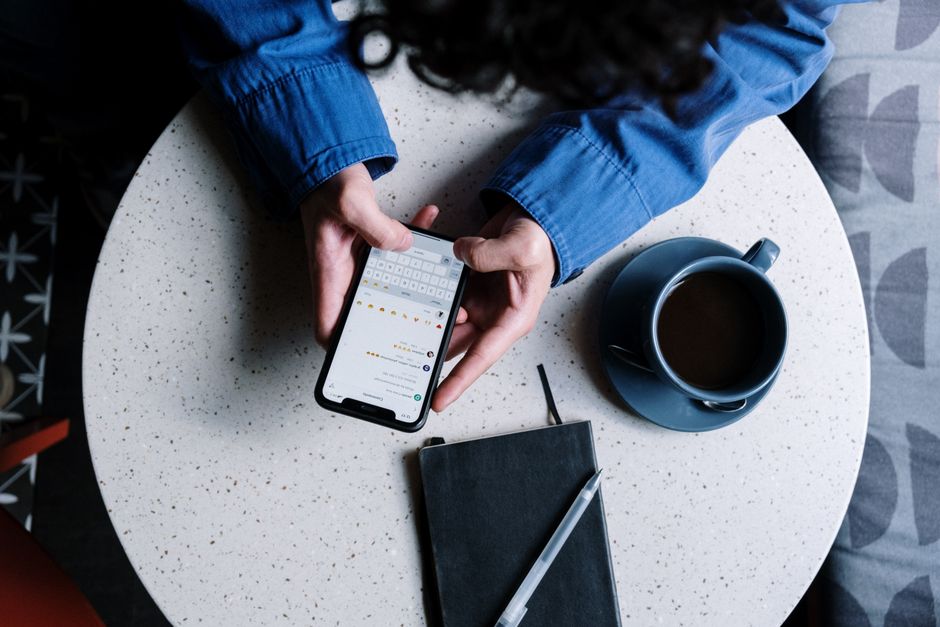
A single iMessage built from specific Unicode characters is enough to freeze or restart an iPhone, according to a report from Business Insider. The outlet describes the trouble starting when Messages tries to draw certain custom font glyphs on screen, which forces the app — and sometimes the whole handset — to respring before the recipient has even opened the thread.
The flaw sits in how Messages handles incoming text tied to font data, not in a malicious app or a jailbreak. Anyone with a number or Apple ID can send it, which is why this is landing as a nuisance report rather than a theft story: per that reporting, it stalls a phone without pulling anything off it.
What actually happens when the text lands?
BI's reporting frames this as a rendering failure: the software tries to display a character it can't process, and the routine that draws text on screen stalls out. On a handset that shows up as a frozen Lock Screen banner or an app that won't open; a respring, where the display process restarts, can follow. Nothing in that account requires the recipient to tap anything first — a preview alone can be enough to set it off.
Filtering unknown senders versus blocking a number
Two settings get confused with each other, and they don't behave the same way against this kind of bug.
| Response | Stops future texts from that sender | Undoes a text already sent | Still needs a software fix |
|---|---|---|---|
| Filter Unknown Senders | Sorts into a separate tab, doesn't block | No | Yes |
| Block the number | Yes | No | Yes |
| Disable Lock Screen previews | Reduces automatic rendering on the lock screen | No | Yes |
Filter Unknown Senders (Settings > Apps > Messages) moves texts from numbers outside your contacts into their own tab and mutes the alert. It still has to render the content once you open that tab, so a crash text sitting there can still fire the moment you tap in.
Blocking a number keeps future messages from that contact out of the app entirely. It does nothing for a message already sent and waiting to display, but it closes the door on a repeat attempt.
Neither option checks a message's contents before trying to show it, so both are partial, not a cure.
Does disabling previews help more than filtering?
Turning off Lock Screen previews (Settings > Notifications > Messages > Show Previews > Never) changes what tries to render automatically on a locked screen, but it doesn't touch what happens the moment you open the conversation yourself. If the failure occurs inside the thread rather than in the banner, hiding previews only pushes the problem back until you tap in. It's the smallest of the three shields, best suited to people who get a lot of texts from unfamiliar numbers and want fewer of those rendering unprompted.
Should owners just wait for an update from Apple?
Fixes for rendering problems like this typically arrive once engineers isolate the exact character sequence at fault, and BI's account doesn't give a timeline for one. Until a patch lands, the three responses above sit on a spectrum: filtering trims casual exposure, blocking shuts down a known repeat sender, and disabling previews removes one more place the bad text can draw itself automatically. None replaces an actual software update, so anyone trying to minimize risk in the meantime is better served combining filtering with blocking than leaning on just one setting.
More from the blog
Written by Smorgi Apps at Smorgi Apps. We do not invent download counts or ratings. If a number appears here, it came from App Store Connect or the live listing.