Blog · Studio
Indie Game Promotion Takes Over the App Store: A Developer's Checklist
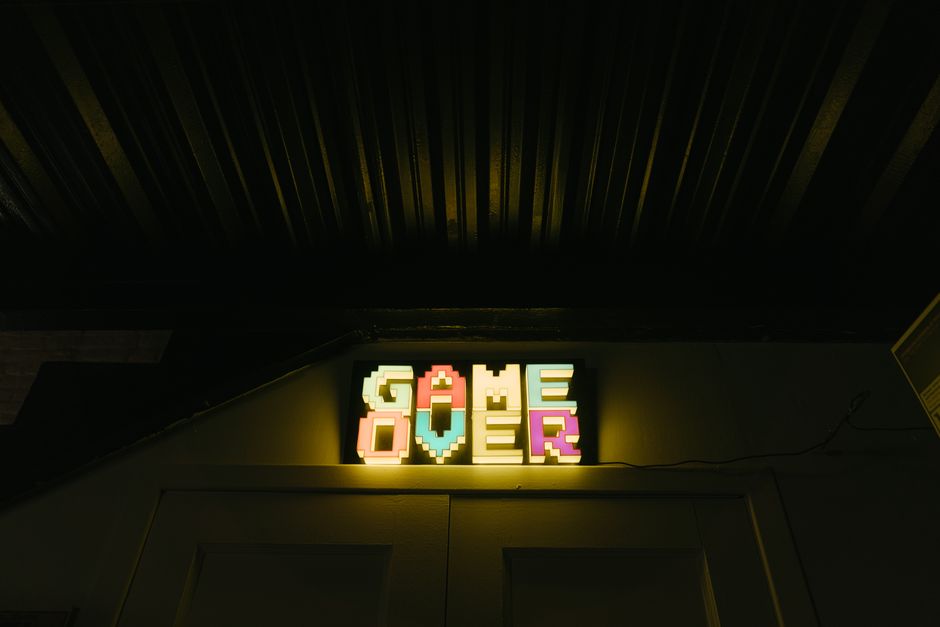
Apple's App Store spent part of this week leaning hard into independently made titles, a pattern MacStories flagged as a noticeable break from the usual mix of blockbuster studio releases in the storefront's top rows. For a one-person or three-person team, a window like that is rare, and it tends to close fast once the editorial calendar moves on to the next tentpole release.
We've also written about how Apple's relationship with smaller developers has been shifting on the business side, in our piece on the App Store deal with small developers. That post covers commission structure, not curation, but the two threads matter together: lower fees help the economics, and editorial visibility is what actually puts a title in front of people.
Here's a quick-reference box before the steps:
Fast facts
- Source: MacStories, reporting on current App Store featured placements
- What changed: more independently made titles appearing in editorial spots
- Who it affects: solo and small-team iOS developers with a shipped or near-shipped title
- What it is not: a guarantee of a sales bump, a ranking change, or a fee change
Below is a step-by-step approach for positioning a title during a stretch like this.
What Did MacStories Report About Indie Games on the App Store?
The reporting centers on the observation that independent titles are claiming space in the App Store's featured rows that would typically go to larger publishers. That's an editorial pattern, not a policy announcement, and it doesn't come with a published schedule or list of criteria from Apple. The useful takeaway for a developer isn't the specific titles mentioned — it's the signal that curators are currently open to smaller, less-funded work.
- Read the original piece so you know exactly what's being described rather than relying on a headline summary.
- Note that the shift is about placement, not about any change to review guidelines or commission terms.
- Treat the window as temporary. Editorial attention moves on, so plan around weeks, not months.
How Does Apple Select Titles for Featured Placement?
Apple's own curators make these calls, and the company doesn't publish a scoring rubric. What's consistently true across years of App Store coverage, including the kind MacStories does regularly, is that polish, a clear hook, and strong screenshots or preview video matter more than marketing spend. A small studio competing for a curator's attention is competing on craft, not budget.
- Make sure your App Store listing — screenshots, preview video, description — represents the finished build, not an early version.
- Confirm your app has no outstanding review issues or crash reports that would make it a risky pick.
- Keep your update cadence visible; a title that's actively maintained reads as a safer editorial bet than one that shipped once and went quiet.
Which Assets Belong in an Editorial Submission?
Apple Connect includes a channel for developers to flag upcoming releases and major updates for consideration. Whether or not that submission results in a feature, having the materials ready means you're not scrambling if a curator does reach out.
- Prepare a short, specific description of what makes the title distinct — one sentence, not a paragraph.
- Have a release date or update date locked before you submit; editorial teams plan around calendars.
- Include press assets (icon, screenshots, a short clip) in formats ready to hand off, rather than promising to send them later.
When Is the Right Moment to Request Consideration?
Timing is the part most small teams get wrong. Submitting the day before a launch leaves no room for a curator to plan coverage; submitting too early means the build they see isn't the one that ships.
- Submit two to four weeks ahead of a release or major update, giving editorial teams lead time without showing them a stale build.
- Avoid bunching a submission against major first-party Apple events, when editorial bandwidth goes toward the company's own announcements.
- If your title missed this particular wave of indie-focused placements, keep the same materials ready for the next opening rather than rebuilding them from scratch.
Can a Featured Spot Replace a Marketing Budget?
No download or revenue numbers tied to this particular promotion are available, so it's worth being direct about what a feature can and can't do. A placement buys attention; it doesn't buy retention, reviews, or word of mouth on its own.
- Treat any editorial boost as a spike to capture, not a substitute for the fundamentals — onboarding, a working tutorial, a reason to come back the next day.
- Use the moment to collect feedback and reviews while traffic is up, since that record outlasts the placement itself.
- Keep your own channels (a changelog, a simple landing page, a support contact) current so new players who find you through the Store have somewhere to go if something breaks.
None of this requires a big team or a marketing line item. It requires having the listing, the assets, and the timing ready before the next wave of attention shows up — because based on what MacStories described, that attention is already moving toward smaller studios this week.
Should a Small Team Track Results After a Feature Runs?
Yes, and the tracking should start before any placement appears, not after. App Store Connect already gives every developer page views, conversion rate, and source breakdowns; the only change during a promotional window is that those numbers suddenly have a cause worth isolating.
- Screenshot your baseline metrics — impressions, conversion, and daily active installs — a few days before you expect any editorial movement, so you have something to compare against.
- Watch for a spike in App Store impressions specifically, which is the clearest signal that a listing landed in a featured row rather than just getting an organic bump.
- Log the dates of any change you make to the listing during the window (new screenshot, updated description) so a later spike doesn't get misattributed to the wrong cause.
That record matters more once the wave passes. It's the only evidence a small team has for what worked, and it's what you'll pull up the next time an editorial opening appears.
More from the blog
- Apple Cuts China App Store Commission Fees After Government Pressure
- Auto-Captions in Final Cut Pro 12.3 vs iMovie: Which Should You Use on iPhone?
- Wearable Sleep Trackers vs. iPhone-Only Sleep Tracking: Which Should You Buy in 2026?
- 5 Things to Check in the Small Print Before You Join a Buzzy New Social App
Written by Smorgi Apps at Smorgi Apps. We do not invent download counts or ratings. If a number appears here, it came from App Store Connect or the live listing.