Blog · Play
Google Play Store vs. the First Rival Android App Store in the US: What Changed
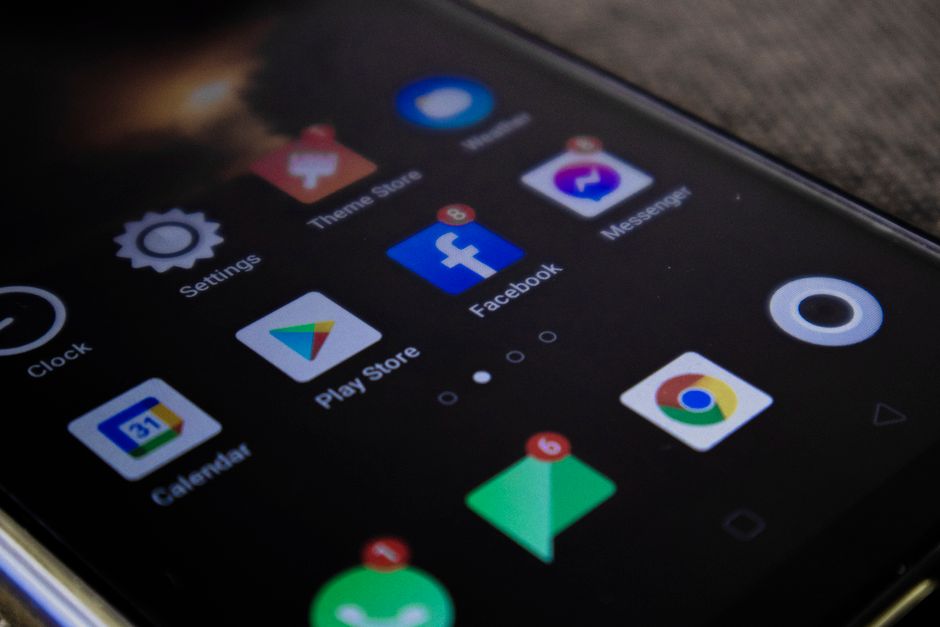
The Google Play Store in the US now surfaces a competing Android app store as an install option, and The Verge reported that this is the first rival marketplace to show up there. For anyone who has only ever downloaded games or tools from Google's own listing, that's a real shift in how Android distribution works on a stock Pixel or a Samsung phone.
What The Verge's Report Covers
The Verge framed the development plainly: "The first rival Android app store just arrived in the US Play Store." That framing matters because it draws a line between this listing and the long-standing workaround of sideloading an APK file from a browser. What's showing up now is a competing storefront that a shopper can find and tap inside Google's own app, not a file buried in a download folder with a security warning attached.
The outlet's reporting is the only confirmed detail available at publication. We don't have the name of the rival marketplace, which phone models support it first, or how Google is handling the listing on the back end, and we're not going to guess at any of that here. Anyone who wants the full breakdown should go straight to The Verge's original story, since that's where the actual reporting lives.
How Does A Listed Rival Differ From Sideloading?
Android has allowed installs from outside the Play Store for years, provided an owner flips a setting that trusts "unknown sources" and clicks past the warning that follows. That path has always required some comfort with security prompts, and most casual phone owners never touch it. It's the method that lets a tech-savvy friend install an app a developer shared directly, outside any official channel.
A marketplace that shows up inside the Play Store's own search results and install flow is a different experience entirely. Google is the one presenting the option this time, rather than a browser pushing a user to override a safety warning on their own. That difference is what makes this listing worth a story instead of just another APK floating around a forum. It puts a second storefront on the same shelf as the one Android owners already trust by default.
Should You Install The New Storefront?
Before tapping install on any marketplace app, run through this short checklist:
- Confirm the listing is real. Search for the store by its name inside Play Store search rather than following a link from a text message or an ad, and check that the developer name matches what you'd expect for a company running a marketplace.
- Read what permissions it requests. A storefront app typically needs permission to install other apps on your behalf. Know that going in, since it's a broader permission than most single-purpose apps ask for.
- Decide if you still want built-in scanning active. Google's own install-time checks normally run on anything downloaded through its listing, so note whether a rival store runs its own review process or skips that step.
- Check whether your existing purchases carry over. Games and apps bought through Google's own listing generally stay tied to that listing, not to a second marketplace you just added.
- Keep your main account signed in separately. Running two storefronts side by side is simpler when your primary account isn't also the one you're using to test the new one.
None of this requires giving up the Play Store you already use. It just means treating a second marketplace the way you'd treat any new app asking for install permissions: read first, tap second.
Does Apple Face The Same Pressure In The US?
Apple's App Store in the US still runs as a single channel for iPhone owners, including for smaller studio releases. Smorgi Challenge, the party-dare game from Smorgi Apps where alarms drop challenges on a friend group, ships only through that one storefront today. There's no second iPhone marketplace mirroring what The Verge describes happening on Android, which is part of why the Play Store listing stands out. It's a visible crack in a model both major mobile platforms have defended for years.
That contrast matters if you own both an iPhone and an Android phone. The purchase habits and storefront expectations you've built on one device don't automatically map to the other, and this listing is a reminder that the two ecosystems are drifting further apart in how they let you shop for the same category of app.
What To Watch Next
Keep an eye on The Verge's coverage for the marketplace's name, which phones support it, and whether Google treats its listing any differently from its own search results. Until more reporting lands, the safest move is the checklist above: verify, read permissions, and leave your existing purchases exactly where they already are.
Who Should Hold Off Before Switching?
Not every Play Store account in the US will see the new listing at the same moment. The Verge's report confirms a listing exists in the US store, but it doesn't say whether every account, phone brand, or carrier shows it on the same day. If you open your Play Store app and don't spot a rival marketplace yet, that gap isn't a problem on your end. It just means your account hasn't been included in whatever rollout pattern Google is using, and no public detail explains that pattern yet.
Anyone managing a shared family device, or a phone passed between a kid and an adult, has extra reason to pause before installing anything new. A storefront that can place other apps on a device is a bigger decision on hardware other people rely on too, and there's no public detail yet about parental controls or account separation inside the rival listing. Until that's clearer, the simplest move is to leave the setup as it stands and keep existing purchases exactly where they already live.
Holding off doesn't mean ignoring the story. It means treating "a rival storefront is now listed" and "I should install it today" as two separate calls, with the second one resting on details The Verge hasn't published yet. Reading the full report first, then deciding, costs nothing and avoids granting install permissions you can't easily take back.
Smorgi
A social game where alarms drop challenges on you and your friends. Complete the dare, earn coins, or lose face.
Learn moreMore from the blog
- Apple Watch, Galaxy Watch, and Garmin Lead Wareable's Best Smartwatches of 2026
- 10 Dussehra 2026 AI Image Prompts: How to Use ChatGPT and Gemini, Then Turn the Result Into a Greeting
- Apple's Newest iOS Privacy Update Leaves Digital Marketers Bracing for Impact
- Is Berkeley Raising Parking Meter Hours and Ticket Costs?
Written by Smorgi Apps at Smorgi Apps. We do not invent download counts or ratings. If a number appears here, it came from App Store Connect or the live listing.