Blog · Sleep
iPhone Alarm Problems Persist Into the Workweek: 3 Backup Options Compared
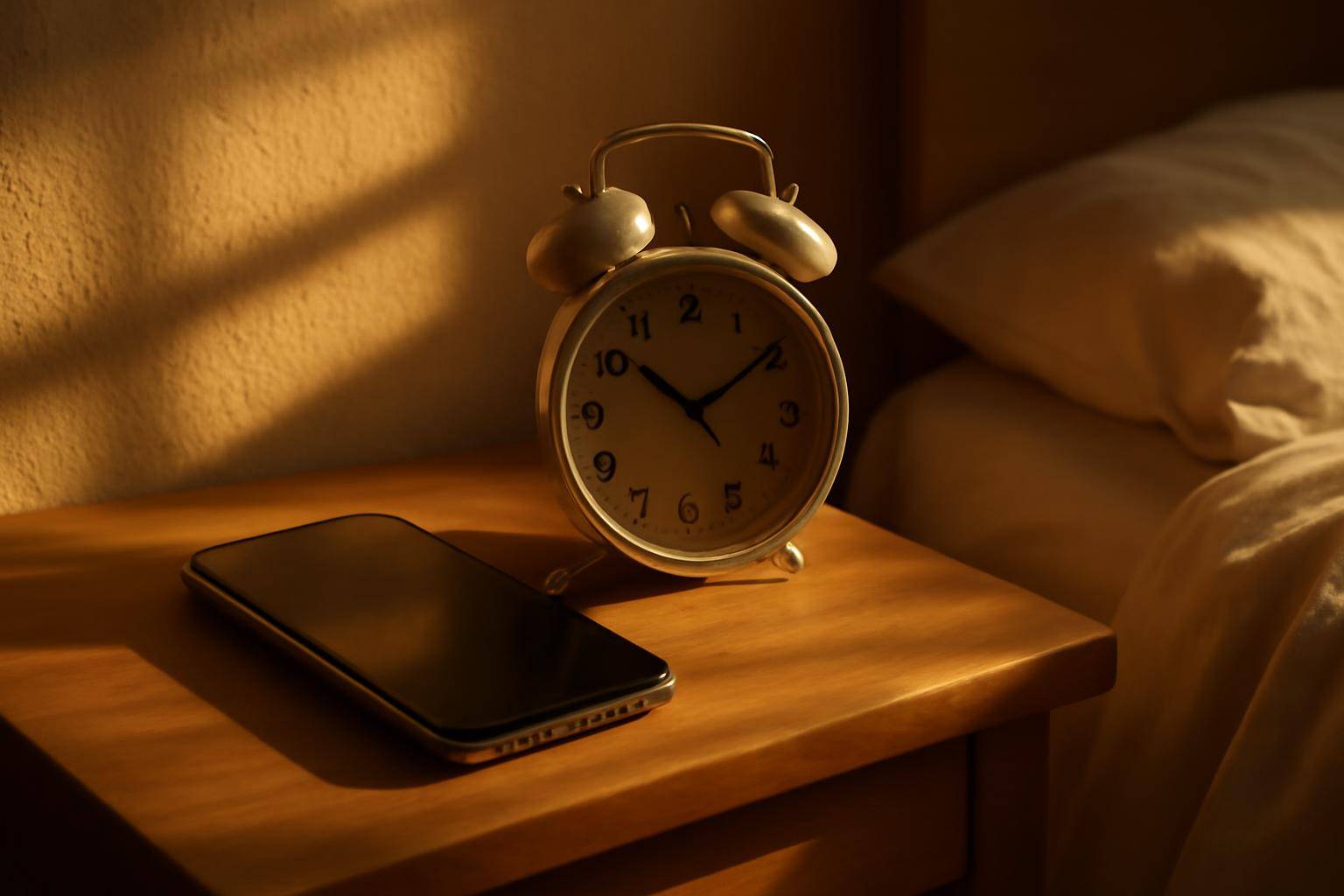
CNN reports that the recent wave of silent iPhone alarms hasn't stopped at the weekend — the same complaints about alerts that never sound are now showing up on ordinary Monday-through-Friday mornings, not just lazy Saturdays. That shift matters, because a missed chime on a weekday has a different cost than one on a day off: a meeting, a shift, a school drop-off.
Until there's a fix, the practical question isn't what broke — it's what to put in place so one silent phone doesn't wreck your morning.
What Did CNN Report About iPhone Alarms This Week?
According to CNN's reporting, the pattern of missed or silent alarms has carried into the workweek, suggesting it isn't tied to any one weekend habit, app, or setting that people only touch on days off. The coverage frames it as an ongoing complaint rather than an isolated glitch, which is exactly why relying on a single device, with a single alert method, is starting to look risky for anyone who absolutely cannot sleep through a shift.
Why Hasn't a Single Cause Been Pinned Down?
Part of what makes this frustrating is that the reporting doesn't point to one confirmed culprit shared across every device and software version. Without a clean diagnosis, there's no single setting to toggle and trust. That uncertainty is the real argument for a second layer of protection rather than waiting on a patch note.
Which Backup Option Actually Works While You're Asleep?
Three options people actually use solve this differently, and they trade off in predictable ways.
| Backup option | Setup time | Depends on a phone | Cost |
|---|---|---|---|
| Standalone battery or plug-in clock | Under a minute | No | One-time purchase |
| A second device's built-in alert | A few minutes | Yes, a different one | Free if you already own it |
| Smart speaker reminder | A few minutes | No | Free with existing hardware |
A standalone clock is the most boring answer and the most reliable one: it doesn't care about focus modes, Bluetooth pairing, or software updates. A second device only helps if it's genuinely separate — a tablet charging on the same nightstand, synced to the same settings, isn't really a backup. A smart speaker works as long as it's plugged in and its own volume is set loud enough to matter, which is worth testing once rather than assuming.
How Do You Stay Moving Once You're Actually Awake?
A louder wake-up solves half the problem. The other half is what happens in the ten minutes after you're conscious, which is where a lot of rushed mornings actually fall apart — not from missing the sound, but from drifting back into bed once it stops. Tymebox, coming soon from Smorgi Apps, is built around that gap: pick a template — kitchen, bathroom, Sunday reset, admin — set a Quick or Standard thoroughness, and a countdown walks you through it item by item instead of leaving you to self-start. It won't ring louder than your phone, but if the problem on a rough morning is losing momentum between the alert and actually being dressed, a visible countdown is doing a different job than the alarm itself.
None of this requires replacing your phone's alarm outright. It just means treating a single alert, on a single device, as one layer instead of the whole plan — at least until there's a clearer answer for why it's been failing in the first place.
Tymebox
ADHD-friendly timeboxing. Pick a template and a thoroughness, then a countdown walks you item by item — with optional voice and body-doubling presence.
Learn moreMore from the blog
Written by Smorgi Apps at Smorgi Apps. We do not invent download counts or ratings. If a number appears here, it came from App Store Connect or the live listing.