Blog · Sleep
Apple Watch Sleep Tracking Accuracy: What Breaks It and How to Fix It
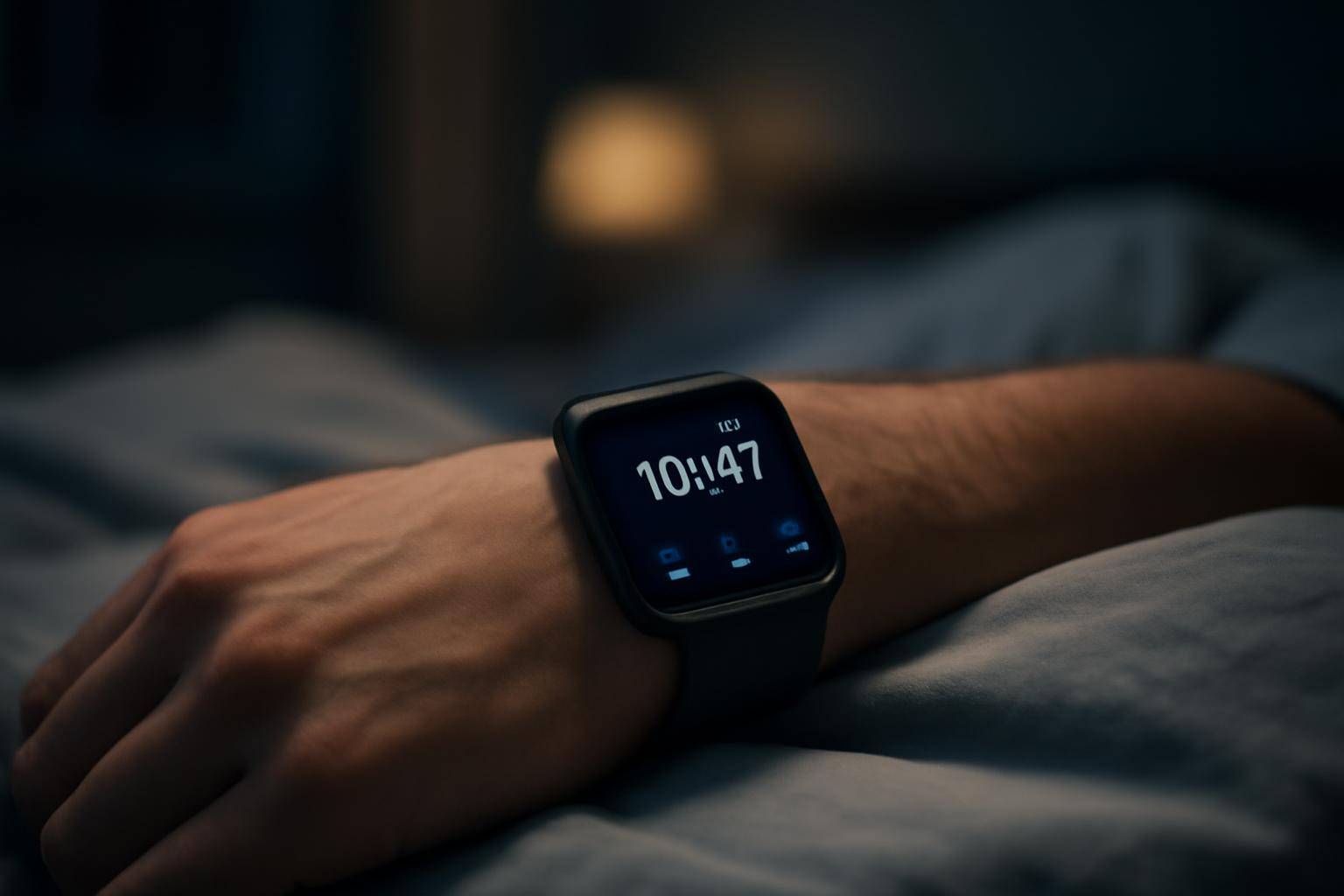
If your Apple Watch tells you that you slept eight solid hours when you remember staring at the ceiling until 2 a.m., you are not imagining it. A recent BGR report flags the same complaint a lot of wrist-watch sleepers have had for years: the numbers can be off, and most of the reasons are fixable without buying new hardware.
Apple Watch has no idea what sleep actually feels like. It infers sleep from wrist movement, heart rate, and (on newer models) wrist temperature, then runs that data through an algorithm that guesses at stages like REM, Core, and Deep. Guesses are only as good as the inputs, and a loose band, a dead battery, or a buried setting can throw the whole thing off before you ever lie down.
Why Does Apple Watch Misread Your Sleep
The tracker leans on three signals: accelerometer data for movement, heart rate for physiological state, and, on supported models, wrist temperature for finer-grained stage estimates. None of those signals are sleep itself — they're proxies. A restless night where you barely move can register as deep sleep. A loose strap that slips during the night can read as constant motion, which the watch may log as waking. None of this means the hardware is broken; it means the inputs it needs weren't clean.
How Should the Watch Fit at Night
Fit is the most common and most overlooked fix. A watch that's even slightly loose moves independently of your wrist, and that extra wobble gets picked up as motion that isn't yours. The checklist here is simple:
- Snug the band one notch tighter than your daytime fit, without cutting off circulation.
- Keep the sensor flat against skin — rotate the watch if it's sliding toward the top of your wrist.
- Avoid thick wrist jewelry stacked under the band, which can lift the case away from skin.
A watch that shifts position mid-sleep is also more likely to miss heart rate readings for stretches of the night, which leaves gaps the algorithm has to fill in with less reliable guesses.
Which Settings Control Sleep Stage Accuracy
Sleep tracking on Apple Watch isn't automatically tuned for your life; it runs on a schedule you set. If your actual bedtime drifts outside the sleep schedule configured in the Health app, the watch may not even attempt stage tracking for that session, or it may log a shortened, distorted version of the night. Run through this:
- Open the Health app and confirm your sleep schedule matches your real bedtime and wake time, not an old default.
- Check that Sleep Focus is turned on for the right hours — this is what tells the watch and phone to stop pinging you and start watching for rest.
- Make sure the Sleep app itself has tracking enabled; it's possible to have a schedule set without the tracking toggle actually on.
- Revisit the schedule after any real change in routine — shift work, travel, or a new baby will all make a stale schedule actively wrong.
When Should You Check Charge and Wear Time
A sleep tracker that dies at 1 a.m. can't track anything past 1 a.m., and a partial night often gets logged as a short, choppy one rather than flagged as incomplete. Apple's own design assumes you'll charge during the day and wear at night, which only works if you build the habit around it:
- Charge the watch for a focused stretch before bed — even twenty to thirty minutes during your evening routine covers most of the overnight runway.
- Watch for low-power mode kicking in mid-sleep; it can change how often sensors sample and affect stage detail.
- If you shower or work out right before bed, let the watch dry and resettle on your wrist for a few minutes before sleeping — a wet seal between skin and sensor can throw off heart rate readings.
Quick fixes at a glance
| What looks wrong | Likely cause | Fix |
|---|---|---|
| Sleep logged as very short | Schedule mismatch or late charging | Update sleep schedule; charge before bed |
| Stages look erratic | Loose fit, band slipping | Tighten band one notch, reposition sensor |
| No data for a night | Sleep Focus or tracking toggle off | Re-enable in Health app |
| Heart rate gaps overnight | Low battery, low-power mode | Top off charge before sleeping |
What a Full Nightly Checklist Looks Like
Putting the fixes together into one routine removes most of the guesswork:
- Charge the watch for at least twenty minutes in the early evening, not right at bedtime.
- Confirm the sleep schedule in the Health app reflects tonight's actual plan, not a default from months ago.
- Check that Sleep Focus and the Sleep app's tracking toggle are both on.
- Tighten the band one notch past your daytime comfort level before you lie down.
- Avoid stacking bracelets or thick cuffs under the band.
- In the morning, glance at the data and note anything that looks obviously wrong — a gap, a sudden short night — so you can spot a pattern instead of guessing after one bad read.
None of this turns a wrist accelerometer into a clinical sleep lab. What it does is remove the avoidable noise — loose fit, dead battery, stale schedule — so whatever the watch reports is at least measuring the night you actually had, rather than a version of it distorted by something fixable before you ever closed your eyes.
More from the blog
Written by Smorgi Apps at Smorgi Apps. We do not invent download counts or ratings. If a number appears here, it came from App Store Connect or the live listing.