Blog · Sleep
Apple Watch's Quiet Alarm Update: How to Check If You Have It
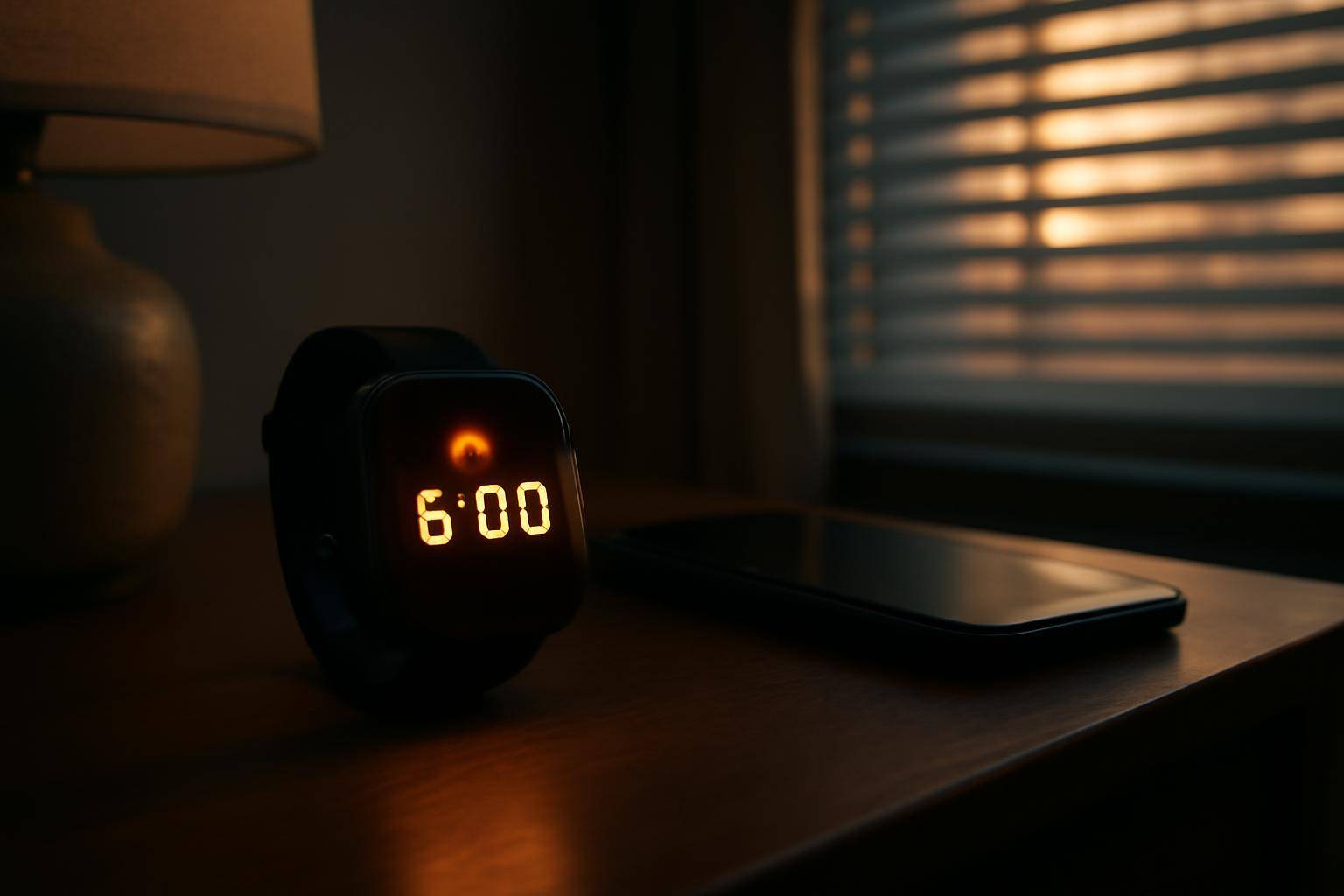
Gear Patrol reports that Apple Watch picked up a quiet change tied to morning wake-up alerts, arriving right as a wave of iPhone owners describe a phone alarm that simply failed to play. The timing lines up with a real risk: a sleeping phone, not a sleeping alert, is often the actual problem.
That makes the Watch worth a second look if you have been trusting your phone alone to get you up.
How do you confirm your Watch picked up the change?
- Open the Watch app on your iPhone, tap General, then Software Update, and install whatever build is current.
- On the Watch itself, open the Alarms app and set a test wake-up a minute or two out.
- Lock the iPhone and leave it in another room, then wait to see if the Watch buzzes on its own.
- If the wrist taps without the phone anywhere nearby, that alert is running on the Watch's own clock rather than depending on a live connection to the phone.
Why does an iPhone alarm fail to sound in the first place?
A phone alert depends on the device being charged, unmuted at the hardware level, and not stuck mid-update when the trigger time hits. A phone that restarts overnight for a system update, or one whose Do Not Disturb settings swallow the sound, can miss a wake-up entirely — which is close to the exact complaint behind the Gear Patrol report.
What settings make a wrist wake-up more dependable?
- Set volume and haptic strength in the Watch's Sounds & Haptics menu instead of leaving the defaults.
- Turn on Wrist Detection in Settings so the device raises its tap intensity when it senses it is actually on an arm rather than sitting on a nightstand.
- If you run a Sleep Focus schedule, open the Allowed Notifications list and confirm wake-up alerts are not accidentally grouped with the things you want silenced.
- Keep the Watch charged past 30 percent before bed. A dead battery cannot buzz no matter how the software behaves.
Should you still keep a phone alert as backup?
Redundancy beats a single point of failure. Setting a wake-up on both devices means one glitchy phone does not cost you a morning, and a Watch left charging across the room does not either. Gear Patrol frames the wrist feature as a quiet addition rather than a full replacement, and that is the more useful way to treat it until Apple documents the change directly in its own release notes.
Does your sleep schedule in the Health app matter here?
If you already run a Sleep schedule through the Health app, that schedule and the standalone Alarms app on the Watch are not always the same thing. The Sleep schedule wakes you with its own gentle alert at the end of Wind Down, while a manually set alarm fires independently. Having both active is fine, but worth confirming they are not set for conflicting times, since a wrist buzzing twice a few minutes apart is its own kind of unreliable morning.
Is this rollout the same across every Watch model?
Gear Patrol's report does not break the change down by hardware generation, and Apple has not posted release notes spelling out which Watch models are included. Until that documentation shows up, the safest approach is the test alarm above — run it on your own wrist rather than assuming behavior that applies to someone else's device.
More from the blog
Written by Smorgi Apps at Smorgi Apps. We do not invent download counts or ratings. If a number appears here, it came from App Store Connect or the live listing.