Blog · Sleep
Why the iPhone alarm still fails heavy sleepers
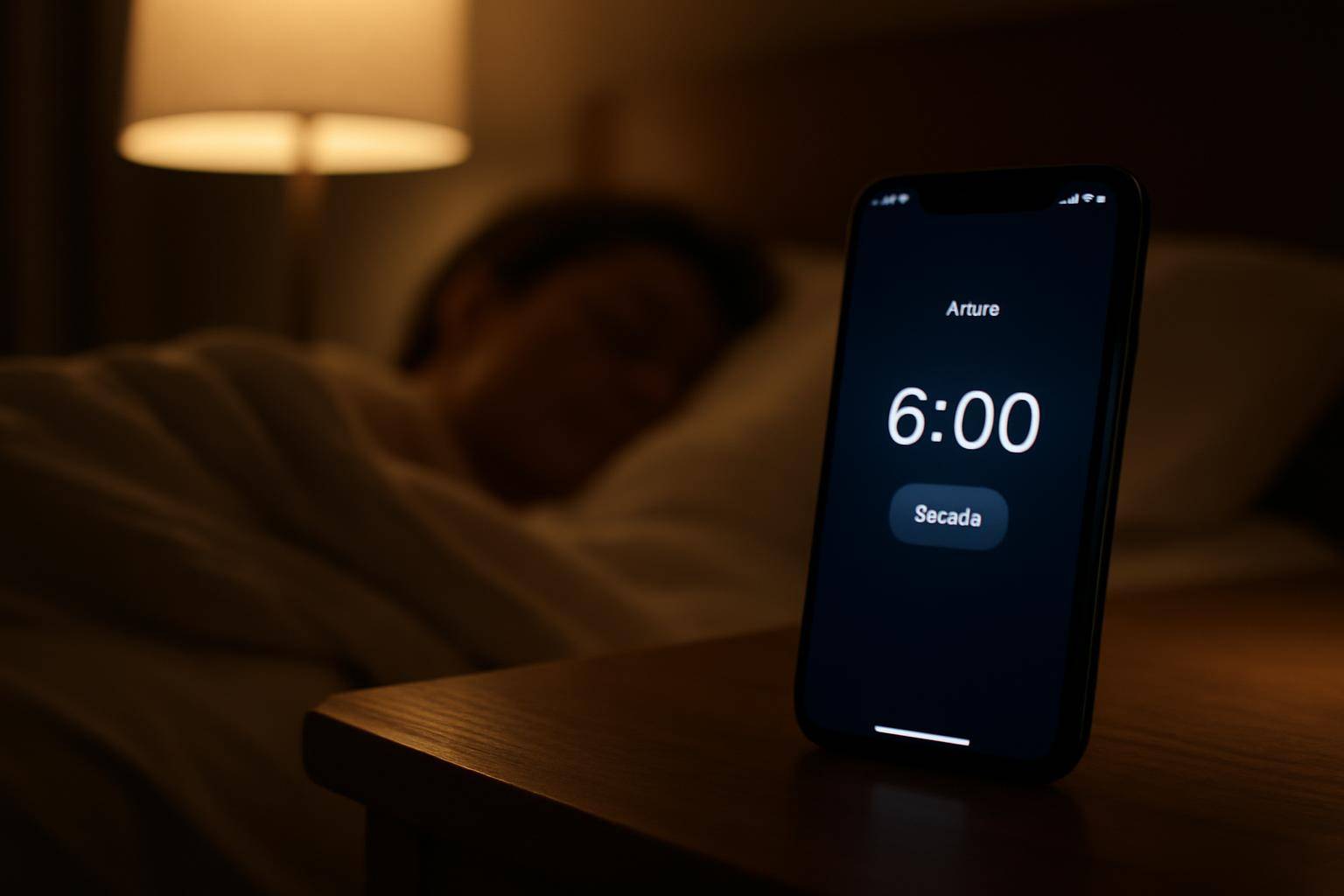
The iPhone alarm still fails heavy sleepers because it was designed as a single-volume, single-tone alert that plays through the phone's own speaker, with no built-in way to get louder over time or to reach someone who needs a physical nudge to wake up. For light sleepers that's plenty. For people with a higher arousal threshold, it often is not.
A heavy sleeper generally needs a stronger, layered signal: sound that grows rather than stays flat, and ideally some kind of vibration or touch on the body. The stock alarm on an iPhone was never built around that model, and a few default settings make the gap worse without most people noticing.
What actually happens when the alarm sounds?
When an iPhone alarm fires, it plays the chosen tone at whatever level is set on the Ringtone and Alerts slider in Settings > Sounds & Haptics. That level is fixed. The tone loops at the same volume until it is dismissed or snoozed, and snoozing restarts the same loop at the same level rather than stepping it up. The default snooze window is nine minutes, and nothing about that second round is louder or more insistent than the first.
Does "Change with Buttons" quietly lower the volume?
On the same settings screen sits a toggle called Change with Buttons. When it is on, the physical volume rocker adjusts alarm loudness exactly like it adjusts media playback. A phone jostled in a pocket, bag, or nightstand drawer earlier in the evening can have its alert volume nudged down without anyone touching a settings menu on purpose. Turning that toggle off locks the alarm to the slider level regardless of what the side buttons do later.
Can Focus modes block the alarm?
By design, the Clock app's alarms are meant to bypass the mute switch and standard Focus filtering, so a Focus mode or Do Not Disturb alone should not be the reason an alarm stays silent. That built-in exception is specific to the native alarm, though; a third-party wake-up app does not automatically get the same pass, and heavily customized notification settings can still interfere with anything that isn't the core alarm feature.
Why doesn't the alarm get louder over time?
Unlike dedicated sunrise clocks or bed-shaker alarms that ramp volume or vibration in stages, the iPhone's alert holds one level from the first second to the last. Add a phone lying flat on a nightstand, tucked under a pillow, or facing away from the sleeper, and the effective volume drops further before it ever reaches an ear. For someone who sleeps through a steady, unchanging tone, that combination of fixed loudness and speaker placement is often the real problem, not the ringtone choice.
How can a heavy sleeper fix this tonight?
A few adjustments cost nothing and take a minute:
- Set Ringtone and Alerts to maximum in Settings > Sounds & Haptics.
- Turn off Change with Buttons so the level can't drift down unnoticed.
- Keep the phone upright and speaker-side out, not muffled by fabric or a case flap.
- Pair the phone with a wearable that adds haptic wake alongside sound, since a tap on the wrist works through a channel a speaker can't reach. Watch-based wake features depend on the watch actually being worn overnight, which is the same tracking limitation covered in our look at watchOS 27's sleep tracking update.
None of this replaces a dedicated bed-shaker alarm for someone who truly does not stir at any volume, but it closes the gaps that the iPhone's default setup leaves open.
A quick glossary:
- Change with Buttons — the setting that lets the volume rocker control alarm loudness, not just media.
- Focus mode — Apple's notification-filtering feature; alarms are meant to pass through it.
- Arousal threshold — the sleep-science term for how strong a stimulus has to be before someone wakes.
More from the blog
Written by Smorgi Apps at Smorgi Apps. We do not invent download counts or ratings. If a number appears here, it came from App Store Connect or the live listing.