Blog · Studio
Buying a Drawing Tablet and Stylus Starts With the Lag Test, Not the Spec Sheet
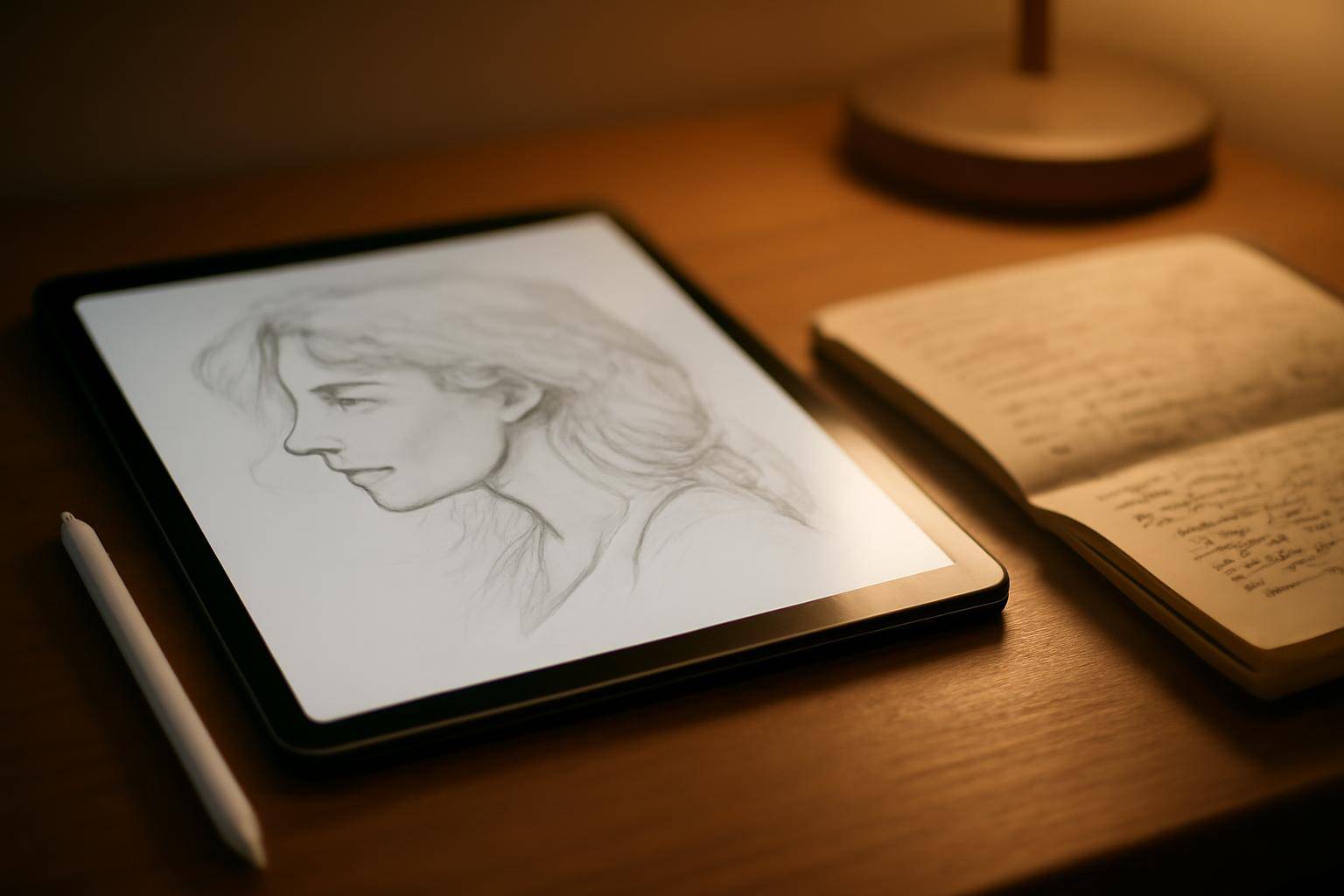
The right tablet-and-stylus pairing for drawing and note-taking comes down to how the pen feels the moment it touches glass, not to a spec sheet. Creative Bloq's own roundup on the best tablets with a stylus pen for drawing and note-taking groups picks by task rather than by brand, which is the right instinct: a device built for quick handwritten notes and one built for shading a portrait are not solving the same problem, even if they share a processor.
"the best tablets with a stylus pen for drawing and note-taking" — Creative Bloq
Below is the checklist worth running before anyone buys, in the order it actually matters.
What should you test before comparing spec sheets?
Ask the demo unit — or a returnable online order — to do three things: draw a slow diagonal line, write a full sentence in cursive, and rest a palm on the screen while sketching. Lag shows up first in diagonal strokes, because the software has to interpolate between points fastest there. If the line wobbles or trails behind the nib, no amount of pressure-sensitivity marketing fixes it later. Palm rejection is the second filter: if the screen registers a resting hand as a stray mark, note-taking turns into constant erasing.
Does note-taking call for a different pen than drawing?
Mostly yes, in emphasis rather than hardware. A pen used for handwriting spends most of its life at a narrow range of light pressure and needs reliable palm rejection above almost everything else, because hands rest on the page while writing in a way they rarely do while illustrating. A pen used for shading and inking benefits more from a wide pressure range and tilt detection, since those two inputs let a brush behave differently at the tip versus the side. Anyone splitting time between both tasks should weight palm rejection first, since it affects every session, and treat pressure range as a secondary comfort feature.
How much does the operating system actually matter?
It sets which apps are usable, which counts for more than raw hardware once the purchase is made. A slate with excellent pen hardware but a thin catalog of drawing or notebook apps will feel worse day to day than a mid-tier option with a deep app library, because software is what translates hand movement into usable strokes, layers, and searchable text. If a note-taking app already relied on only ships for one platform, that constraint should outrank pen specs in the decision.
If the device runs iPadOS, the underlying text-input engine is the same one covered in our breakdown of iOS 26.4's keyboard settings — worth a look for anyone planning to type alongside handwritten notes rather than write everything by hand.
Where should a first-time buyer spend less?
Skip paying extra for the top pressure-sensitivity tier before confirming it's needed. Most beginners never push past the middle of a pressure range in ordinary sketching or note-taking, and the difference between a mid tier and a top tier is felt mainly by people already shading fine gradients by hand. The same goes for tilt features sold as premium add-ons: they matter for calligraphy-style brush work and matter far less for outline sketches or bullet-point notes.
Why do reviewers keep circling back to latency?
Because it's the one variable that can't be patched by preference or practice. A device with excellent color accuracy or a handsome case can still feel wrong in the hand if the gap between pen movement and on-screen mark is noticeable, and that gap is set largely by hardware and firmware rather than by adjustable settings. Reviews that lead with latency, including Creative Bloq's, are pointing buyers toward the trait most likely to survive daily use rather than the one that photographs best in a comparison chart.
Quick gut-check before you buy
| Ask this | Why it matters |
|---|---|
| Does a diagonal line lag behind the nib? | Latency shows up here first |
| Does resting a palm cause stray marks? | Palm rejection affects every note-taking session |
| Is a preferred app available on this platform? | Software access outranks raw hardware |
| Do you shade fine gradients, or mostly outline? | Determines whether a top-tier pressure range is worth the extra cost |
None of this replaces trying a unit in person before buying, but it turns a showroom visit from a spec-sheet comparison into a short, repeatable test.
More from the blog
Written by Smorgi Apps at Smorgi Apps. We do not invent download counts or ratings. If a number appears here, it came from App Store Connect or the live listing.