Blog · Writing
Why fancy-text fonts break search on Instagram
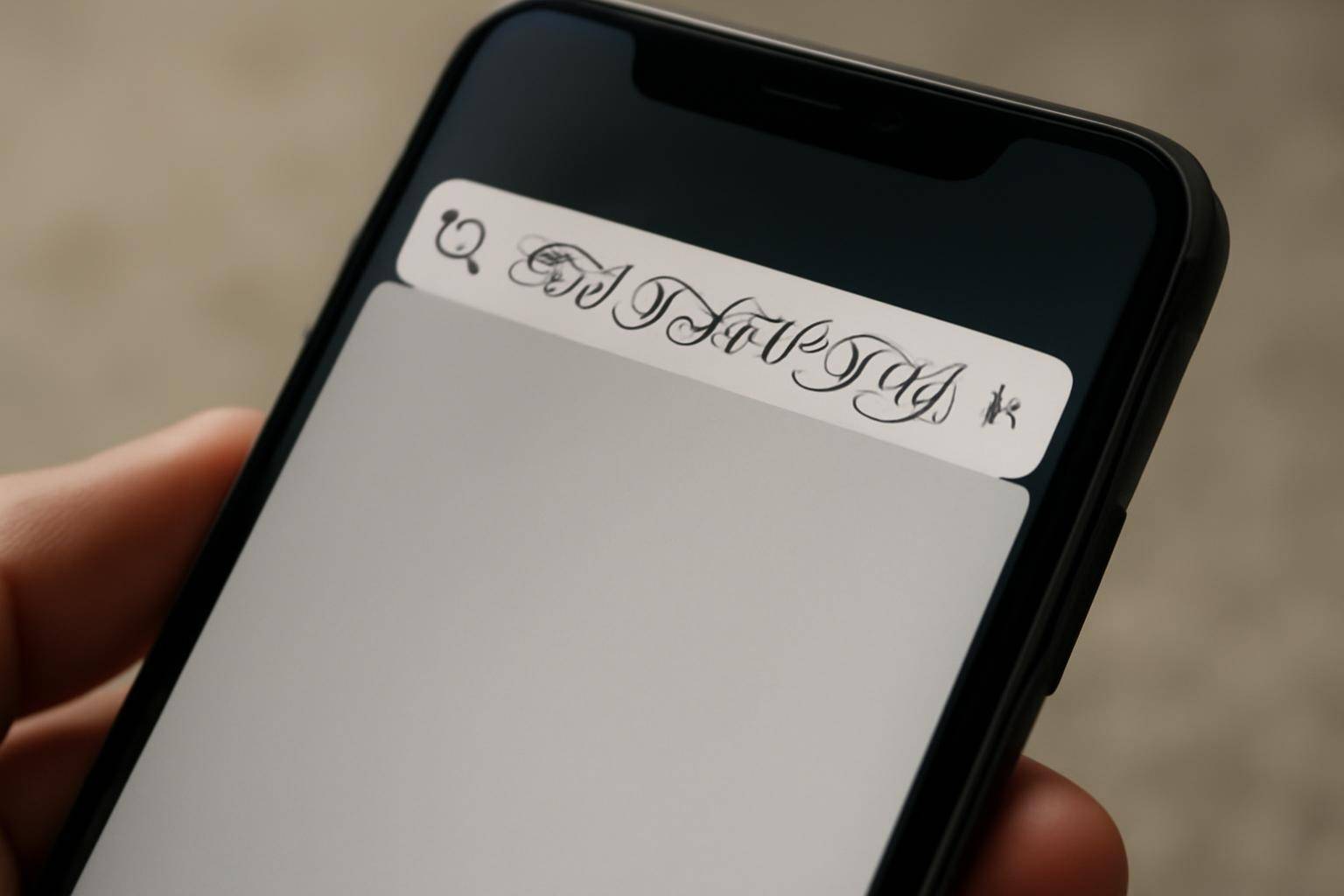
A caption typed in one of those swirly "fancy text" generators breaks Instagram search because the generator isn't styling the letter A — it's substituting a completely different character that only looks like an A. Search, hashtags, and screen readers match on the underlying character, not the appearance, so the swap quietly disconnects your post from anyone searching the plain word.
What makes "fancy text" different from a normal letter?
Unicode assigns one set of code points to ordinary letters (the ones your keyboard types) and a separate set to the Mathematical Alphanumeric Symbols block, which includes bold, italic, script, and fraktur lookalikes. A fancy-text site takes the word you type, maps each letter to its lookalike in that block, and hands you a string that renders as stylish glyphs. Visually it reads as "bold A," but to any system parsing text, it's not the letter A at all — it's an unrelated character that happens to look similar.
How search and hashtags read those characters
Instagram's search index and its hashtag system match on the literal text string typed into the search box. If your bio or caption uses the script version of "coffee," someone typing "coffee" in plain letters won't match it, because the app is comparing two different sets of characters that only share a resemblance on screen. The same logic breaks hashtags: a tag built from styled Unicode characters is a separate tag from the plain-letter version, even though a human reader can't tell them apart. Your post ends up isolated under its own private version of the hashtag instead of joining the tag everyone else is using.
Where fake bold and italic bios go wrong
The same substitution trips up more than search. Screen readers like VoiceOver and TalkBack are built to recognize standard Latin letters; when they hit characters from the Mathematical Alphanumeric block, they can spell the word out letter by letter, mispronounce it, or skip it. Autocomplete and @mentions have the same problem — typing someone's real username in a styled font won't trigger the tag, because the system is looking for the plain-letter handle, not its lookalike.
Can you fix text that's already posted?
Yes, and the fix is the same either way:
- Open the caption or bio and delete the styled text.
- Retype it using your device's normal keyboard rather than pasting from a generator.
- Check any hashtags separately — even if the rest of the caption stays stylized for looks, retype hashtags in plain letters so they group with the real tag.
- Save, then search the exact word yourself to confirm your own post appears in results.
For a bio, the same retype-and-save pattern applies; there's no bulk "convert back to normal text" button, so it has to be redone by hand.
Which tools actually keep text searchable
Instagram doesn't offer native bold or italic formatting in captions or bios, which is exactly why fancy-text generators exist in the first place — they're a workaround, not a supported feature. If the goal is emphasis rather than decoration, line breaks, capitalization, spacing, and emoji do the job without breaking the underlying string. Reserve styled Unicode fonts, if you use them at all, for words you don't need anyone to find by searching — never for hashtags, usernames, or the keyword you actually want people to type in.
The pattern shows up anywhere a platform relies on matching plain text against what a user types, so the same caution applies to bios, comments, and even file names you want a search feature to pick up later.
More from the blog
Written by Smorgi Apps at Smorgi Apps. We do not invent download counts or ratings. If a number appears here, it came from App Store Connect or the live listing.