Blog · Drive
SFMTA Speed Cameras vs Red Light Cameras: How Each One Actually Tickets You
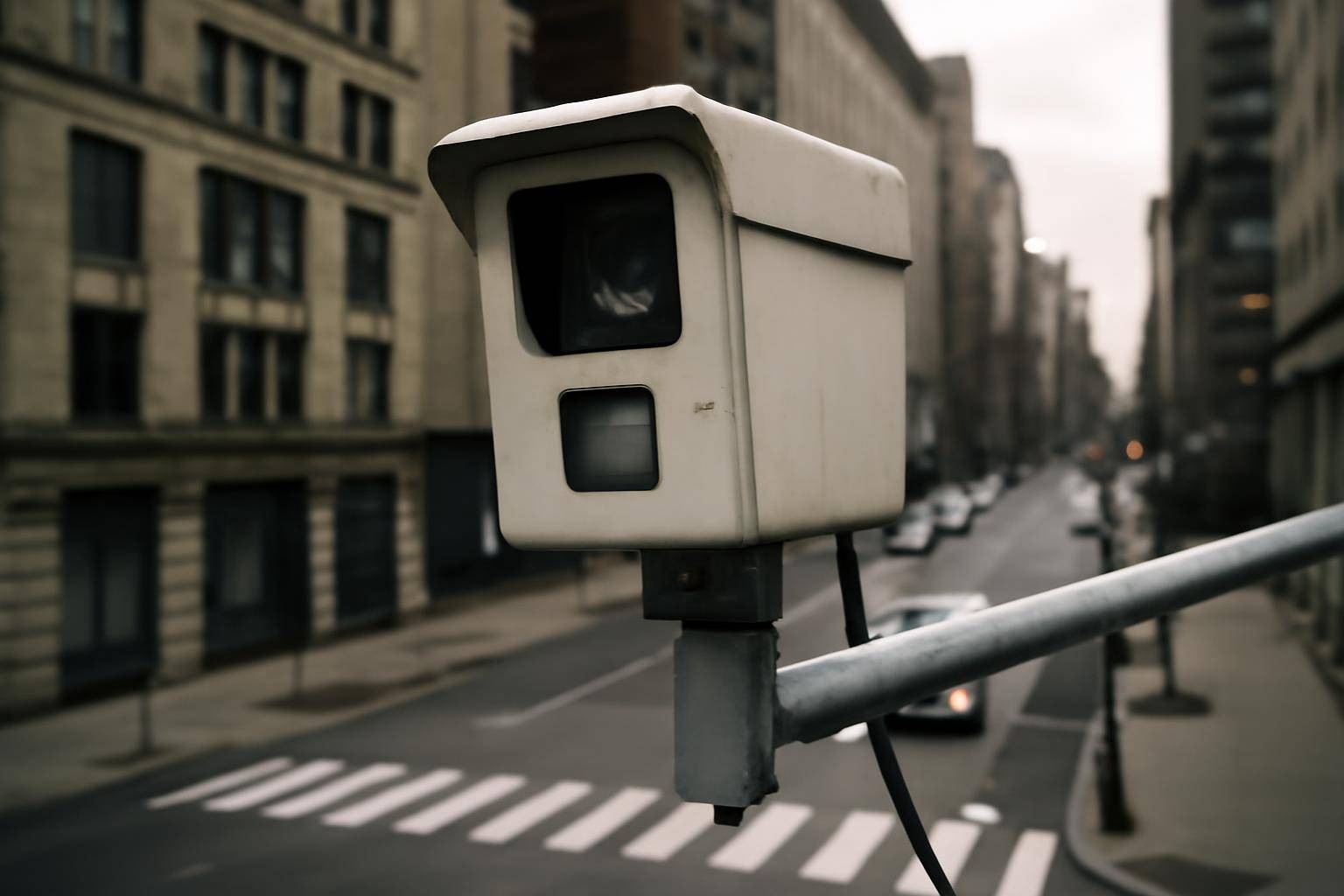
San Francisco enforces traffic law with two different automated systems that look similar from the driver's seat but work through separate rules once a citation is generated. One catches drivers who run a red signal. The other, newer system catches drivers who exceed a posted limit on streets flagged for chronic speeding. If you got a notice in the mail, the process that follows depends on which type of device caught you.
Which Violations Trigger a Speed or Red-Light Camera?
A red-light camera is tied to the signal itself. Sensors embedded in the roadway or synced to the signal controller detect a vehicle entering the intersection after the light has turned red, and the system captures a sequence of images or short video showing the vehicle's position before, during, and after the violation.
A speed camera works differently. It measures the pace of vehicles passing a fixed point, using radar or lidar built into the unit, and only activates when a vehicle exceeds the posted limit by a set margin. San Francisco's speed camera locations were chosen under a state pilot law that lets a handful of California cities install automated speed enforcement on streets with a documented history of severe or fatal crashes, so placement is tied to specific corridors rather than citywide coverage.
Both systems photograph the rear license plate, not the driver's face, which is a distinction that matters once you get to who actually receives the citation.
Who Actually Receives the Citation?
Because the cameras identify a plate rather than a person, every citation from either program goes to the registered owner of the vehicle on file with the DMV. If you loaned your car to a friend, borrowed a rental, or drive a vehicle registered to someone else, the owner is the one who gets the mailed notice, not necessarily the person behind the wheel.
This is standard practice for automated enforcement everywhere it's used, not unique to San Francisco. The logic is that the plate is the only reliable identifier the equipment captures, so liability defaults to whoever the state has on record as the owner. If someone else was driving, most programs allow the registered owner to submit an affidavit naming the actual driver, shifting the citation to that person instead.
How Are Fines Calculated for Each Program?
Red-light camera fines follow the same base structure as a standard moving violation for running a red light, since the underlying offense is the same violation an officer could otherwise write in person. The amount is set by state vehicle code, not by SFMTA.
Speed camera fines under the pilot program work on a separate schedule set specifically for that pilot law, and the amount scales with how far over the limit the vehicle was traveling, with larger margins producing higher fines. A key structural difference: citations issued through the speed pilot are treated as civil penalties rather than criminal moving violations. That distinction is why a speed camera ticket in San Francisco does not add points to a driving record or get reported to an insurance carrier, while other camera-based violations can carry different consequences depending on how the underlying offense is classified under state law.
Can You Contest an Automated Ticket?
Yes, and the review process happens before the citation becomes final, not after. For both programs, a trained reviewer checks each flagged image or clip before anything is mailed out, confirming the plate is legible, the vehicle matches the registration, and the violation is clearly visible in the captured sequence. Citations that fail that internal check are dismissed before a driver ever sees them.
Once you receive a notice, you generally have a window to request an administrative review, which lets you contest the citation without immediately going to traffic court. Common grounds include disputing that the vehicle in the image is yours, arguing the signage for the corridor wasn't adequate, or submitting proof that someone else was driving. If the administrative reviewer denies your request, most programs still preserve your right to contest the citation in court afterward.
What Are the Steps After You Get a Notice?
If a citation from either system lands in your mailbox, the sequence to follow looks the same regardless of which camera caught you:
- Read the notice carefully for the violation type. The document should specify whether this is a red-light violation or a speed violation, since the fine schedule and points consequence differ between the two.
- Check the due date and payment window. Automated citations carry a deadline for either paying or filing for review, and missing that window can escalate the amount owed or limit your options.
- Review the photo or video evidence. Most jurisdictions running these programs let you view the captured images online using a citation number printed on the notice, so confirm the plate and vehicle match before deciding how to respond.
- Decide whether to pay or contest. If you were not driving, or you believe the violation was recorded in error, this is the point to file for administrative review rather than simply paying to close it out.
- Submit any required affidavit promptly. If you're naming another driver as responsible, do this within the window specified on the notice, since late submissions are often not accepted.
- Keep a copy of everything you send. Whether you pay, contest, or name another driver, retain a copy of the notice and any correspondence in case the citation needs to be referenced again during a later review or court date.
The two systems share a lot of mechanics, since both rely on plate capture, mailed notice, and a review step before enforcement, but they diverge in how the fine is classified and what it means for your driving record. Knowing which camera caught you is the first thing to confirm before you decide how to respond.
More from the blog
Written by Smorgi Apps at Smorgi Apps. We do not invent download counts or ratings. If a number appears here, it came from App Store Connect or the live listing.